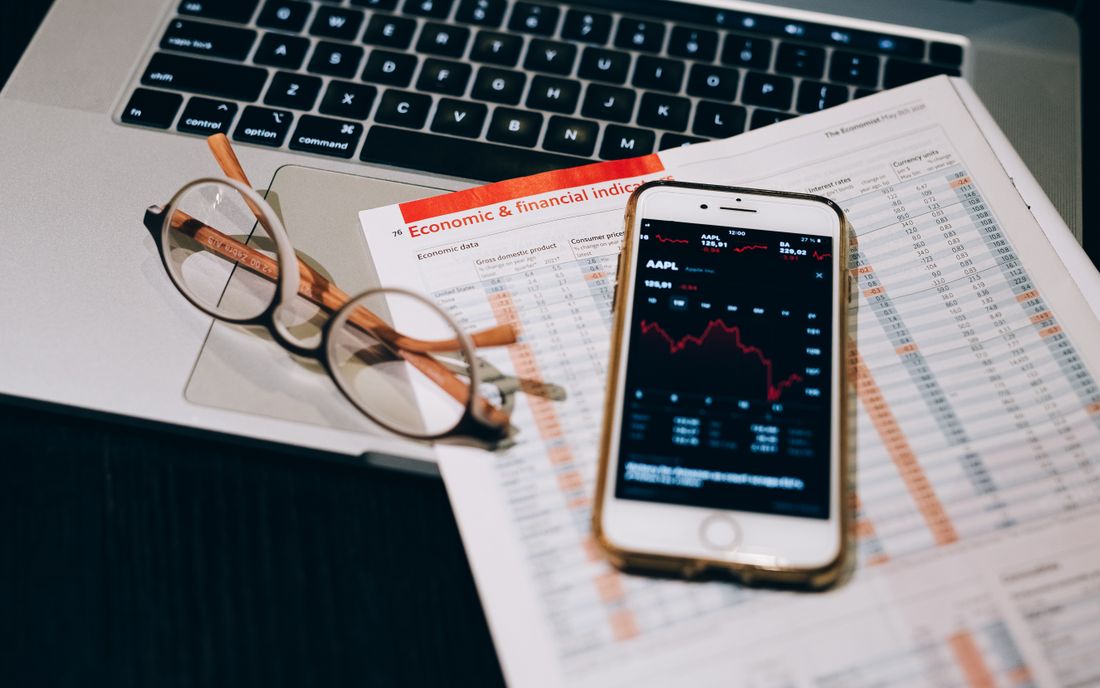
Tablet or phone: which is more convenient
A phone suits counting on the move; a tablet works at a receiving desk or with long lists.
When people choose a device for a warehouse, the question usually goes: do we buy phones or tablets? The right question is a different one: what does this person do all day? A counter who walks from rack to rack reading codes and a storekeeper who sits at the receiving desk checking a list need different things. Below: choosing a device by type of work, the less obvious drawbacks of a tablet and a scheme that mixes the two. It is about the form of the device, not about a particular brand.
The type of work decides the device
First split the work into types:
- Counting on the move: reading a code and entering a quantity at every step. That is a phone's job.
- The receiving desk: when a delivery arrives, the document, the list and the actual state are compared. A tablet is handy here.
- The zone lead: walks around but looks often at the list and the progress. A large-screen phone or a compact tablet fits.
- Reports and approval: a table with many columns and long reading. A tablet or a laptop.
No single device is equally good at all of these. "One model for everyone" looks cheap but often turns out expensive.
The phone: working one-handed
A counter's one hand holds the goods, so the device has to be held in the other. A typical phone weighs 170 to 220 grams, while a tablet starts at around 450. After two hours that difference is felt in the wrist. A phone fits in a pocket or a belt holster; a tablet does not. A wrist strap and a shock-resistant case protect a phone from drops, which is cheap but useful.
The phone's weak spot is the small screen: long names in the list get cut off. So write names short and structured: group, size, pack. For example, "PP pipe 20 mm, 4 m" reads faster than a long description.
The tablet: a big screen and its price
The tablet's strength is its screen. The text is large, a worker who wears glasses sees the figure well, a table has room for many columns, and both hands are free on a desk. The battery is usually larger too.
The drawbacks are mentioned less often. First, a tablet's camera is often weaker than a phone's and focuses more slowly. Second, in a narrow aisle between racks it is awkward to bring a tablet up to a code and find the angle. Third, it is heavy and costly, so a drop or a loss hurts more. Fourth, in bright light in the open the screen glares. So before choosing a tablet as a scanner, test how it reads your own labels.
A tablet works best at the receiving desk, on the unloading apron and on a trolley, where, fixed in place, it does not tire the arms and shows the whole screen. Chest harnesses exist for walking, but they do not make reading codes easier.
A mixed scheme and the sums
Say ten people take part in a count: seven counters, two zone leads and one count manager. Suppose (this is only an example for the sums; real prices depend on the model) that a phone costs 2.5 million so'm and a tablet 4 million. Seven phones for the counters and two tablets for the leads come to 25.5 million so'm. Tablets for everyone means nine units, or 36 million so'm, and the counters also work with a heavier device. If the manager reads the reports on their own laptop, no extra device is needed.
Staff can use their own phones too, but agree the rules in advance: on battery, data security and deleting files after the count.
A one-hour test
Before buying, take three devices: two phones and one tablet. Let two employees count the same twenty items on each. Measure the total time, the number of unreadable codes and the opinion on comfort after 30 minutes. Try them in bright light, in a cold room and in gloves. The choice is made on average speed and complaints, not on looks or price.
Typical mistakes:
- Tablets are bought for everyone because "the screen is big, so it's convenient".
- A protective case and a strap are not bought, and the screen cracks in the first week.
- The manager is also given a small phone, and reading the report drags on.
Conclusion
Choose the device by the kind of work: a phone for whoever walks, a tablet for whoever sits, a large screen for whoever decides. If you would rather not buy devices for a count, the StockCheck team arrives with its own scanners and hands over the result as Excel or PDF.